《Delta Force》 isn’t just a game—it’s a battle of wits, precision, and split-second decisions. Whether you’re executing a stealthy extraction in "Operations", mastering vehicle combat in "Warfare", or analyzing team coordination in squad matches, recording your gameplay is essential for:
Tactical Debriefs: Review botched raids or flawless maneuvers to identify positioning errors or communication gaps.
Content Domination: Share epic plays, weapon tutorials, or montages on YouTube, Twitch, or TikTok to grow your gaming brand.
Competitive Edge: Study pro player replays frame-by-frame to reverse-engineer strategies for Offense and Defense Rotation and objective control.
But generic recorders fail to keep up with Delta Force’s fast-paced action and stunning UE5 visuals. Pixelated textures, dropped frames during explosions, or lag that ruins clutch moments? LosslessRec eliminates these issues with features built for tactical shooters:
1. True Lossless Quality: Capture Every Bullet and Breach
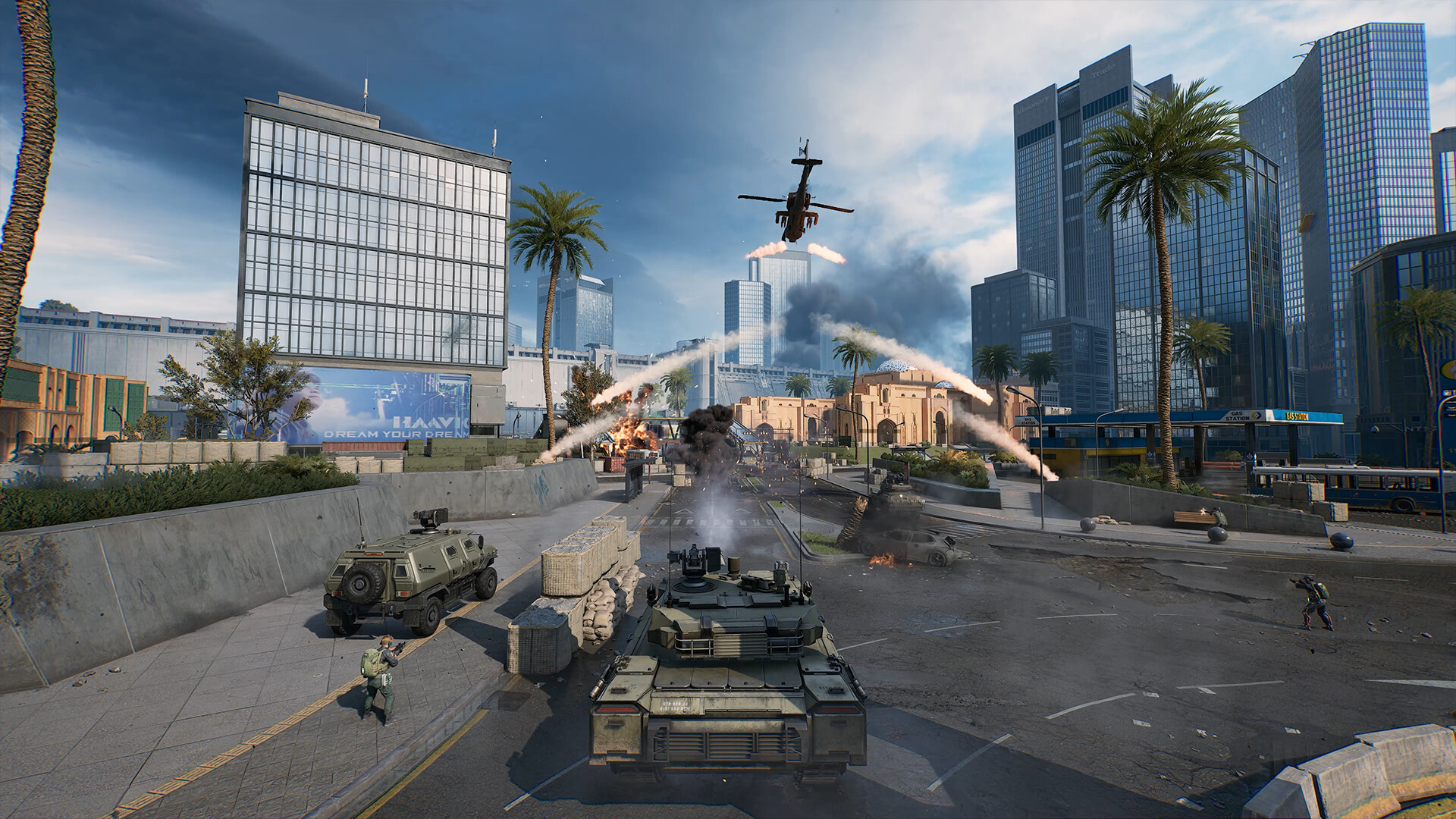
- 4K/60fps Precision: Record UE5-powered environments in full detail-from the grit of "Street fighting in Mogadishu" to the reflective surfaces of your operator’s gear. No compression artifacts on smoke grenades, bullet tracers, or map markers.
- HDR Support: Preserve vibrant colors and contrast in dynamic lighting scenarios (e.g., desert sun glare or nighttime raids), ensuring UI elements like health bars and objective markers stay sharp.
- Audio Clarity: Isolate in-game sounds (footsteps, reloads, radio commands) and your mic commentary for professional-grade content.
Use Case: A clutch 1v3 defuse? Replay the footage to show exactly how you used sound cues to locate enemies behind walls—crystal-clear proof of your tactical genius.
2. Zero Performance Impact: Record Without Sacrificing FPS
Delta Force’s intense gunfights demand every bit of your PC’s power. LosslessRec’s optimized engine ensures:
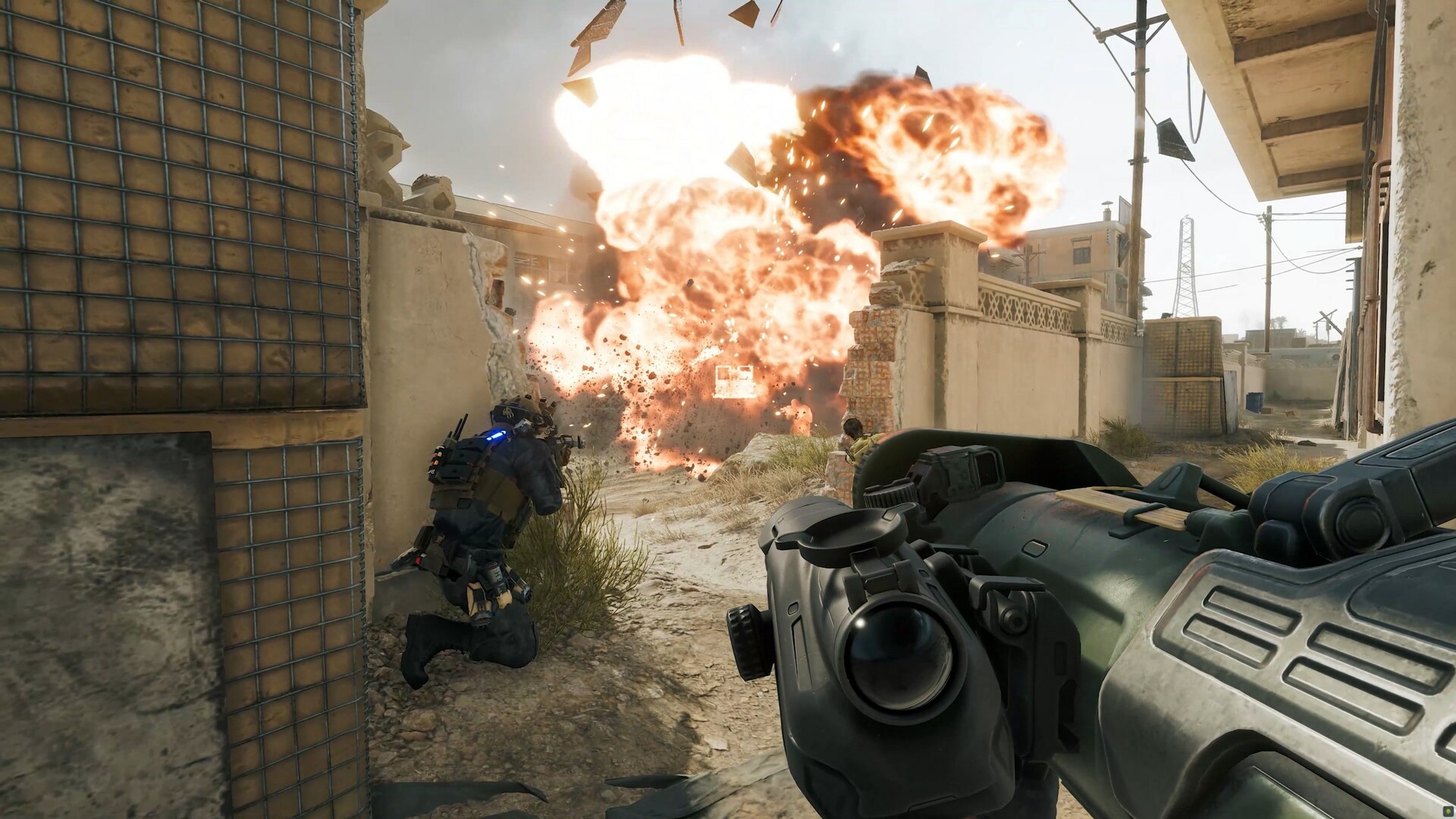
- Low-Resource Mode: Runs in the background with < 5% CPU/GPU usage, even during full-scale battles with 32+ players and active physics simulations (e.g., collapsing buildings).
- Instant Hotkeys: Start/stop recording with Ctrl + 1/2 without alt-tabbing, so you never miss a surprise enemy flank or helicopter drop.
- SSD-Friendly Storage: Compress recordings losslessly by 30% without quality loss, saving space for hours of gameplay footage.
3. Smart Game Detection: No Setup Required
Skip the tedious manual configuration:
- Auto-Identify Game Window: LosslessRec recognizes Delta Force’s executable (Steam/WeGame/Garena versions) and optimizes settings automatically.
- Custom Presets: Save a "Delta Force Profile" with pre-set resolutions (1920x1080 for competitive play, 4K for content creation) and frame rates.
- Multi-Monitor Support: Record your main gameplay screen while keeping Discord or Tactical Map on a secondary display—perfect for streamers.
4. Edit Like a Pro: Tools for Tactical Analysis
Turn raw footage into actionable insights:
- Frame-by-Frame Scrubbing: Pause at exact moments of grenade throws or ADS transitions to analyze movement patterns.
- Drawing Tools: Highlight enemy positions, pathing routes, or gear setups directly on the video—ideal for coaching videos or team debriefs.
- Seamless Export: Save in H.264 (for web sharing) or ProRes (for professional editing in Premiere Pro/After Effects), maintaining compatibility with Delta Force’s replay system.
5. Built for PC Gamers: No Bloat, All Features
| Feature | LosslessRec | OBS Studio | Bandicam |
|---|---|---|---|
| Delta Force Optimization | ✅ Auto-config for UE5 graphics | ❌ Manual scene setup | ❌ No tactical game presets |
| Zero Lag Recording | ✅ Yes (4K/60fps, low CPU) | ❌ Requires complex settings | ❌ Drops frames in intense scenes |
| Tactical Analysis Tools | ✅ Built-in drawing & scrubbing | ❌ Needs external software | ❌ Basic editing only |
| Price | Free trial / $19.99/year (Full License) | Free (steep learning curve) | $39.95 One-Time (limited features) |
6. Creator-First Tools: Turn Gameplay into Viral Content
For YouTube/Twitch creators, every second of footage matters. LosslessRec streamlines your workflow to focus on storytelling, not technical hassles:
- Multi-platform Export Support: Export at preset resolutions for YouTube (16:9), TikTok (9:16), or Twitch Highlights (4:3) without manual cropping.
- Brand Watermarking: Add your logo or channel URL as a semi-transparent overlay during recording to enhance brand awareness without compromising the gameplay experience.
- Creator workflow: Record your own gameplay, add commentary or annotations, and export clips in platform-friendly formats for your channel.
How to Record Delta Force Like a Pro in 3 Steps
Step 1 Install & Launch LosslessRec
Download the PC version (Windows 10+/Steam Deck compatible).
Launch Delta Force.
Step 2 Configure Your Settings
- Resolution: Match your in-game display (1080p for competitive, 1440p/4K for content).
- Audio: Enable "Game Audio + Mic" to capture both gunfire and your callouts.
- Hotkeys: By default, the shortcut key for Start/Stop is Alt + 1/2, you can adjust it according to your preference.
Step 3 Play, Record, Dominate
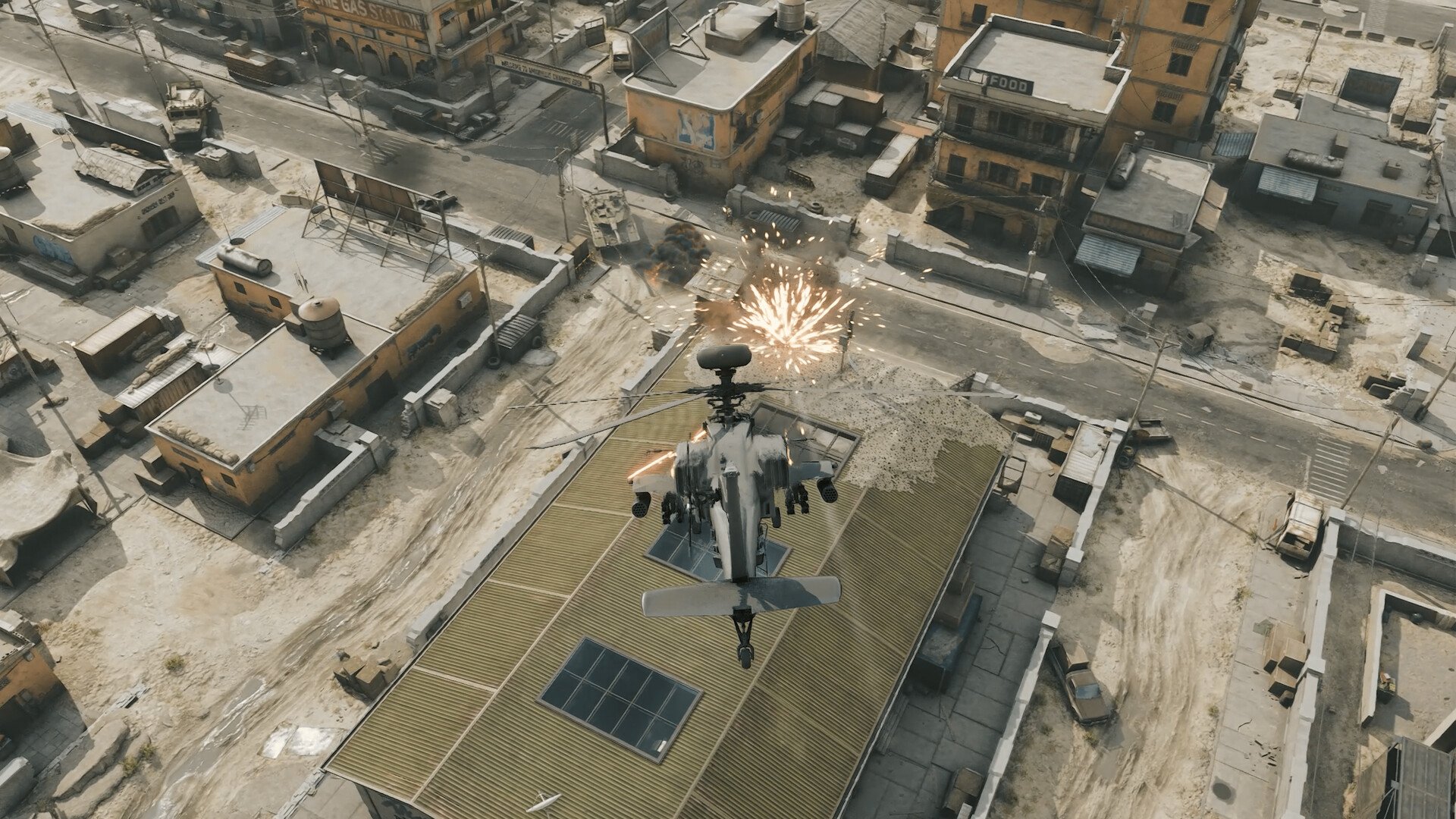
Play as usual - LosslessRec runs silently in the background.
After the game, you can review your replay in the built-in editor: trim key moments, add text overlays (such as "Perfect Break Time"), and export the video directly to upload to your favorite platform.
Test this recording setup with LosslessRec.
Choose the relevant capture mode, verify audio and output settings, and make a short trial recording on your PC.
Trial limits apply. Record only content you own or are authorized to capture.