Built for real recording jobs

One recorder.
Four practical workflows.

Choose the capture mode, sound sources, and guidance tools that match the way you teach, build, create, or play.

Educators

Turn a lesson into something students can replay.

Record PowerPoint, software demonstrations, and step-by-step instruction with microphone narration and an optional webcam overlay.

  • Full-screen or custom-area capture for course material
  • System audio plus microphone narration
  • Annotations and cursor effects for key points

Course recording workflow using LosslessRec
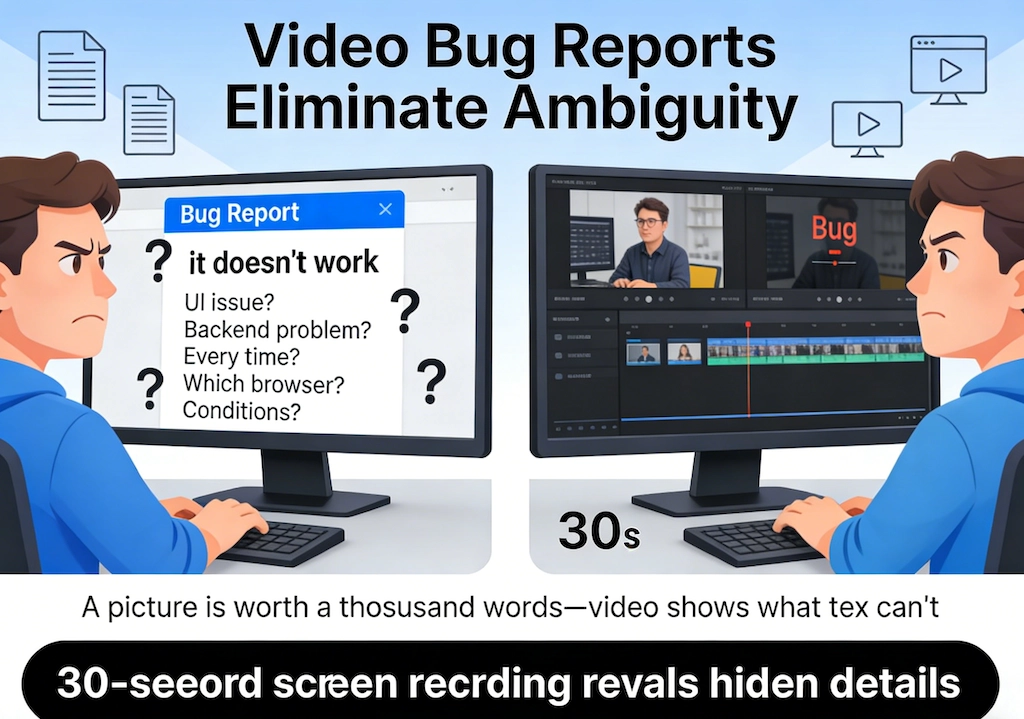
Screen recording used to document a software issue
Product teams

Show the bug or workflow that text cannot.

Capture one application window, add microphone context, and keep the steps together for feedback, support, and product demonstrations.

  • Program-window capture for focused evidence
  • Cursor effects and annotations for reproducible steps
  • Local output ready to attach or share through your chosen channel
Creators

Capture the process behind the finished result.

Build tutorials, demonstrations, and explainers using a selected area, camera overlay, narration, and visual guidance.

  • Custom-area recording for clean framing
  • Webcam and microphone for presenter-led content
  • Scheduled tasks and settings for repeatable workflows
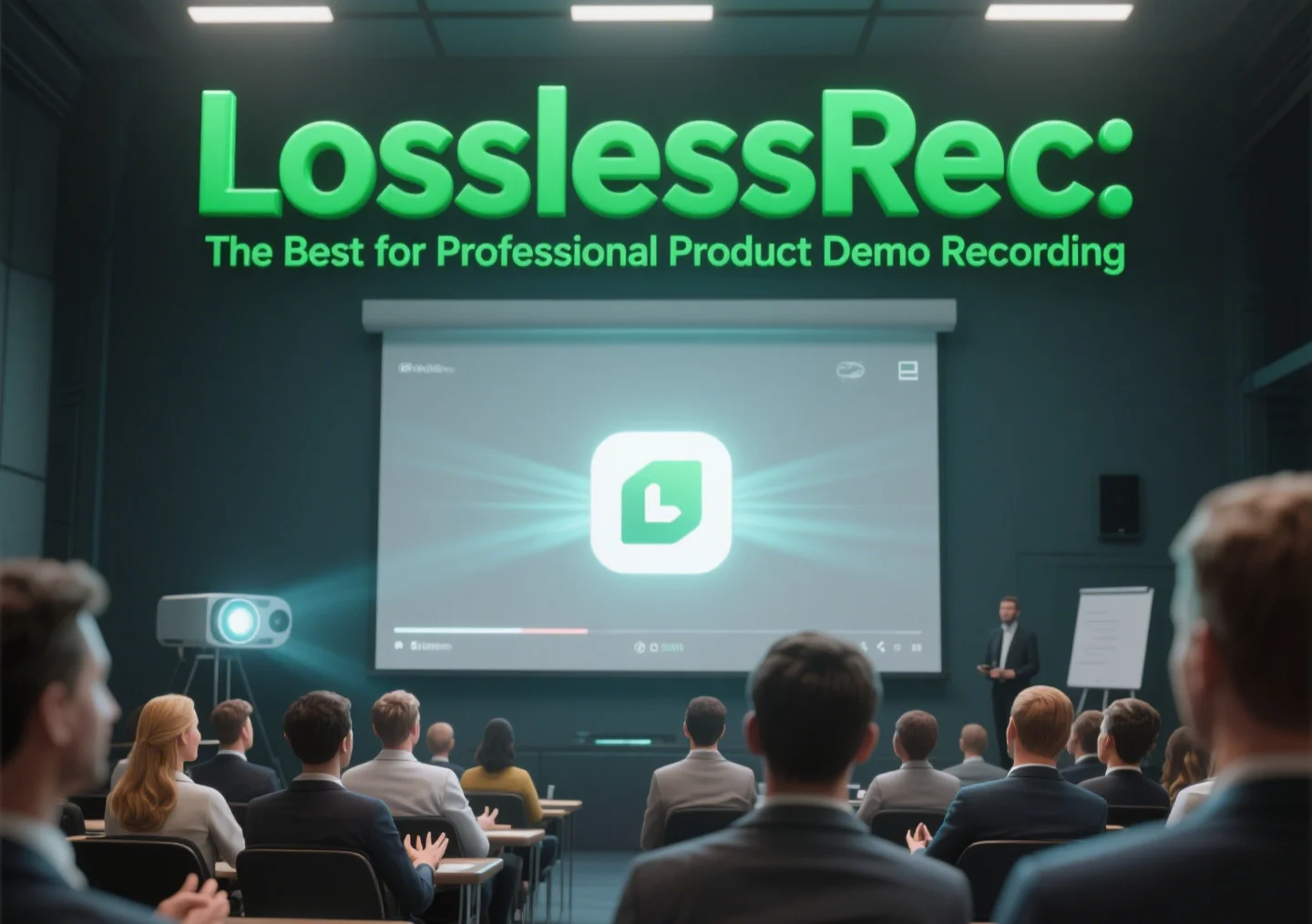
Product demonstration recording workflow
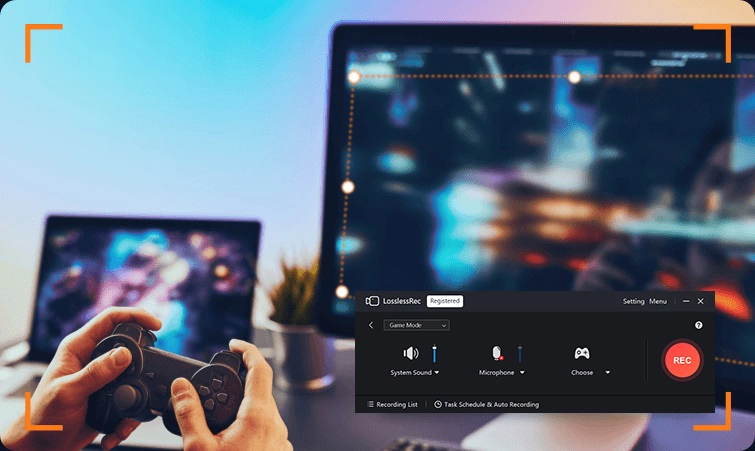
Gameplay capture with LosslessRec
Gamers

Keep the play, not a complicated setup.

Use the dedicated game workflow with available hardware acceleration, system audio, microphone, and optional webcam.

  • Game Mode for supported titles
  • System sound and commentary controls
  • Published frame-rate and GPU options to test against your PC
Meetings and calls

Record only with the required consent.

When a meeting, class, or interview is authorized for recording, use program-window or area capture with the appropriate audio sources. Tell participants and follow local law, workplace policy, and platform terms.

Recording boundary: LosslessRec does not bypass DRM or access controls. Record only content and communications you are authorized to capture.

Not sure which setup fits?

Use the public User Guide to compare modes, sound sources, camera options, and settings.